LinkedIn Optimisation Checklist for Job Seekers 2026
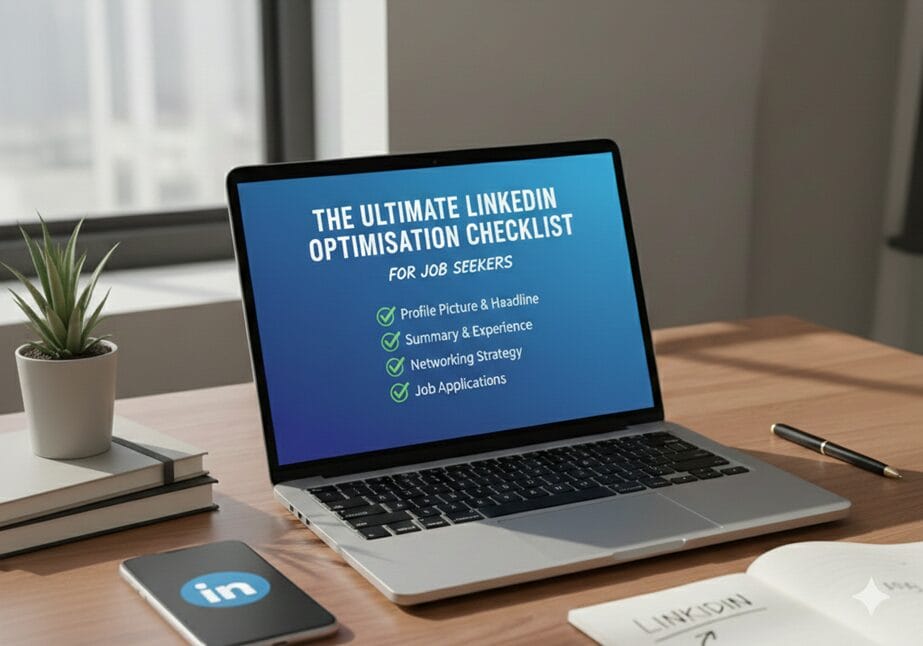
LinkedIn is no longer just a place to list your job history. For many recruiters, it is the first screening tool they use. Your profile acts like a digital resume, and small details often decide whether your profile gets opened or ignored.
This checklist helps job seekers understand exactly what to fix and why.
1. Profile Photo Checklist
Your profile photo creates the first impression.
Make sure:
- Your face is clearly visible
- Lighting is natural
- Background is plain
- The photo looks professional and recent
👉 Recruiter insight:
Recruiters often skip profiles with unclear or casual photos because they signal low effort, even before reading experience.
2. Headline Checklist (Most Important for Visibility)
Your headline plays a major role in LinkedIn search results.
Check that your headline:
- Mentions your role or career direction
- Includes key skills
- Clearly explains what you do
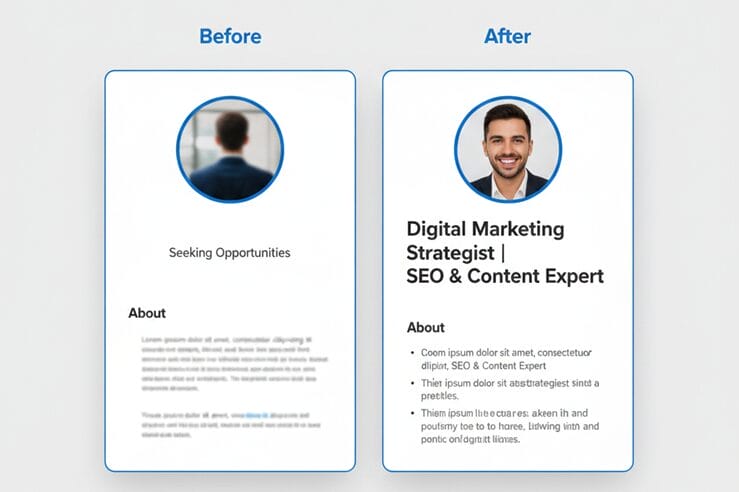
Before:
“Graduate | Looking for Opportunities”
After:
“Business Analytics Graduate | Data Analysis & Reporting”
👉 Recruiter insight:
Recruiters usually read the headline first and decide within seconds whether to scroll further. Clear headlines keep them interested.
3. About Section Checklist
The About section should sound human, not scripted.
It should:
- Explain what you do or are learning
- Highlight main skills
- Mention the kind of roles you want
- Use industry keywords naturally
Before:
“I am a motivated professional seeking growth.”
After:
“I work with data analysis and reporting tools and am interested in entry-level analytics roles.”
Short paragraphs work better than long blocks.

4. Experience Section Checklist
This section decides whether recruiters trust your profile.
For each role:
- Explain what you actually worked on
- Use simple, action-based language
- Mention outcomes where possible
Before:
“Handled marketing activities.”
After:
“Supported social media campaigns and tracked engagement metrics.”
👉 Recruiter insight:
Recruiters prefer clear task descriptions over fancy words. They want to quickly understand what you can do.
5. Skills Section Checklist
Your skills help LinkedIn show your profile to the right people.
Make sure:
- Skills match your target job role
- Irrelevant skills are removed
- Key skills are reordered and updated
Skill endorsements add extra credibility.
6. Recommendations Checklist
Recommendations show real-world validation.
Try to get:
- 2–3 genuine recommendations
- From managers, seniors, or mentors
Even a few honest recommendations can improve trust.
7. Profile Customisation Checklist
Small improvements matter.
Check that you:
- Customise your LinkedIn URL
- Add certifications, projects, or internships
- Keep education details complete
A clean profile is easier to share and looks more serious.
8. Activity Checklist
An inactive profile gets less reach.
Stay active by:
- Sharing or reposting industry content
- Commenting meaningfully
- Connecting with professionals in your field
You do not need to post daily. Consistency matters more.
Why This Checklist Works
Recruiters scan profiles quickly.
A well-optimised LinkedIn profile:
- Improves search visibility
- Makes your role clear
- Increases interview chances
Simple changes often bring better results than rewriting everything.
Frequently Asked Questions (FAQs)
1. Is LinkedIn really important for job seekers?
Yes. Many recruiters shortlist candidates directly from LinkedIn.
2. Can freshers optimise LinkedIn without experience?
Yes. Projects, internships, and skills still matter.
3. How often should I update my profile?
Whenever you learn a new skill or complete a project.
4. Does LinkedIn activity improve reach?
Yes. Even light activity helps your profile appear more often.
5. Can LinkedIn replace a resume?
It supports your resume but does not replace it.
6. Where can job seekers get structured career guidance?
Platforms like TalentGro Global help job seekers understand recruiter expectations and build job-ready profiles.